



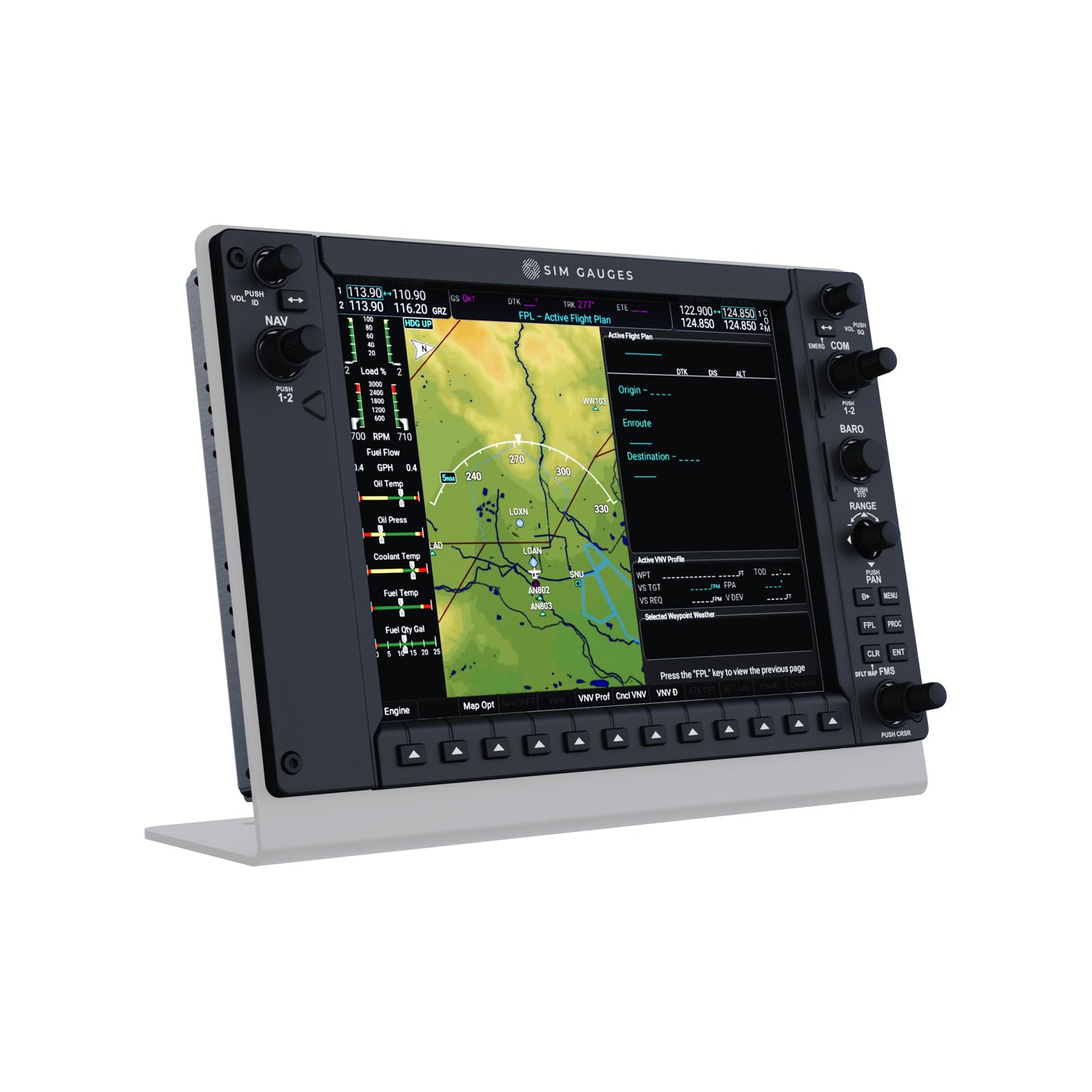
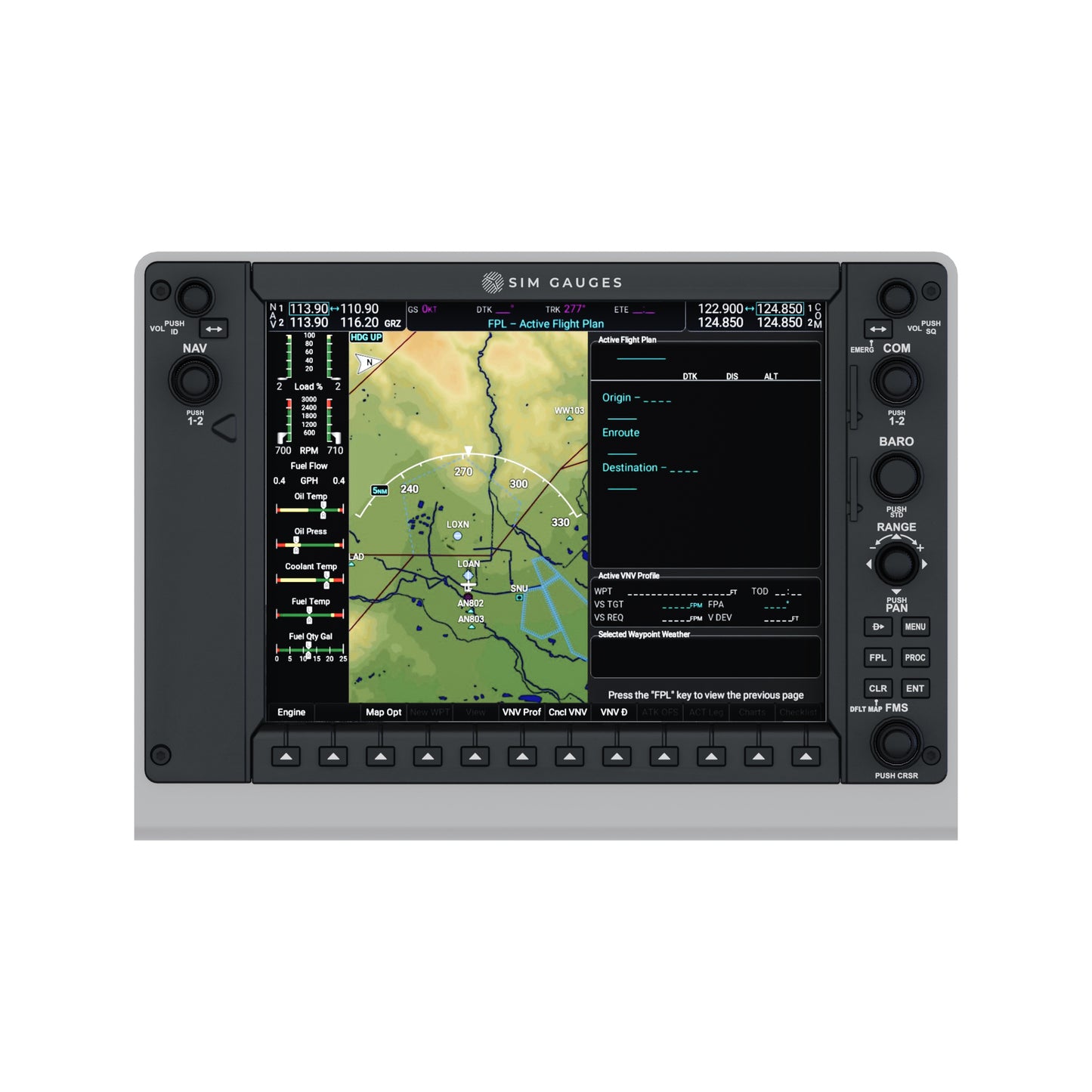
Experience immersively using The Sim Gauges G1000 interface with your flight simulator. This 1:1 full replica of Garmin GDU 1040A is the best way for current and future pilots to learn flying. Plug-and-play and easy connecting to MSFS, MSFS 2024 and X-Plane.
The Sim Gauges G1000 will give you a true experience of using real Garmin G1000 avionics. All the buttons and rotary encoders are 100% functional and can be used as MFD or PFD. It is a 1:1 scale replica, fully backlit with silicon buttons. And it is also very easy to use, just simply connect it by USB and HDMI cables to your computer, install our application and click connect.
Can be easily mounted on Honeycomb Alpha or Bravo by using dedicated stands– link here.
Training on a home desktop flying simulator is the safest way to practice proficiency in flying.
Make yourself the best possible gift – the most efficient way to learn how to fly.
- Ultra quality and highest immersive experience.
- Change from MFD to PFD (and vice versa) with just one switch.
- Fully backlit silicon buttons
- Highest quality encoders - same feel, resistance and number of steps as in real G1000 avionics
- Plug and play.
- Easy setup.
- Easy mounting system to Honeycomb Alpha or Bravo by using a dedicated stand - link here.
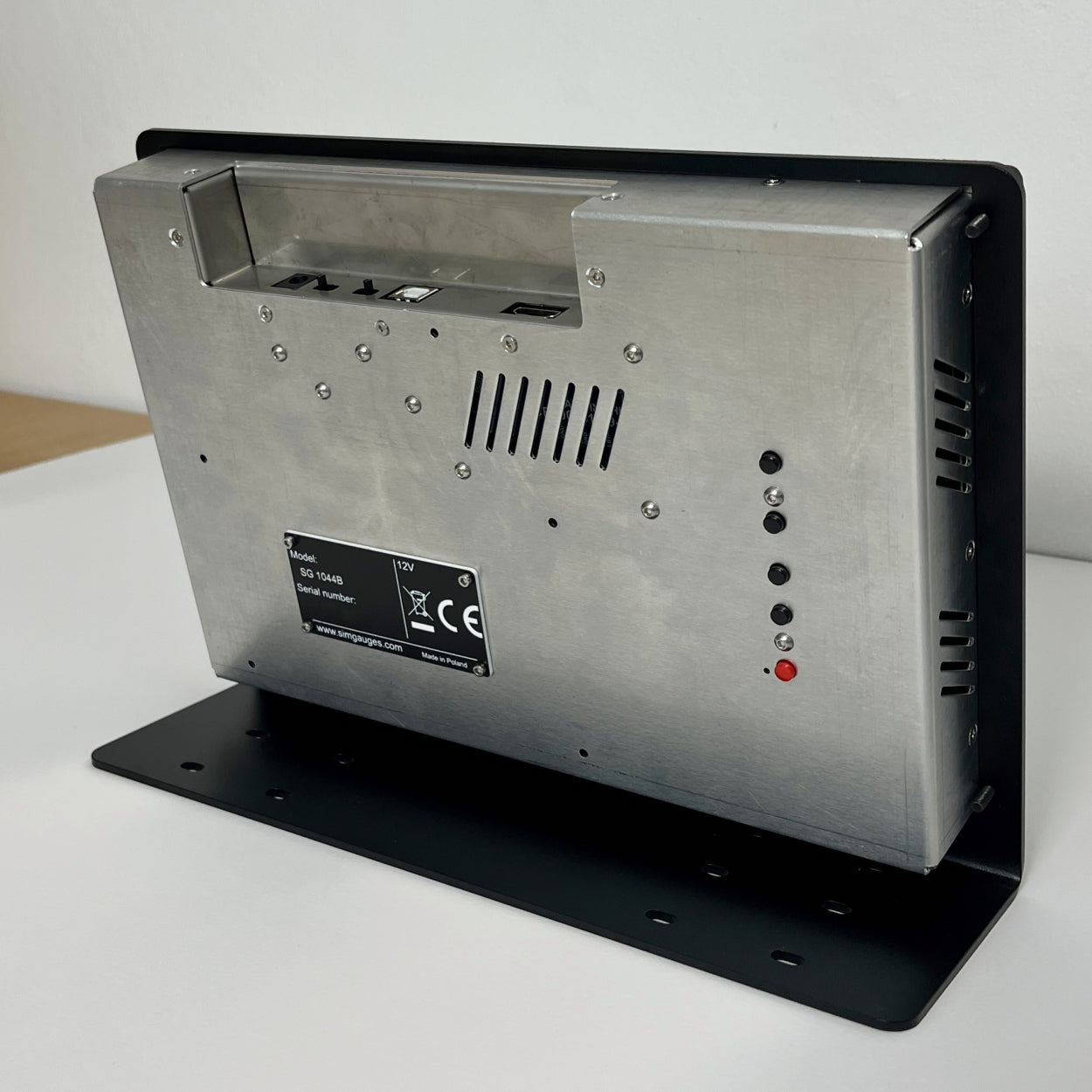
- Fully assembled.
- No configuration is required.
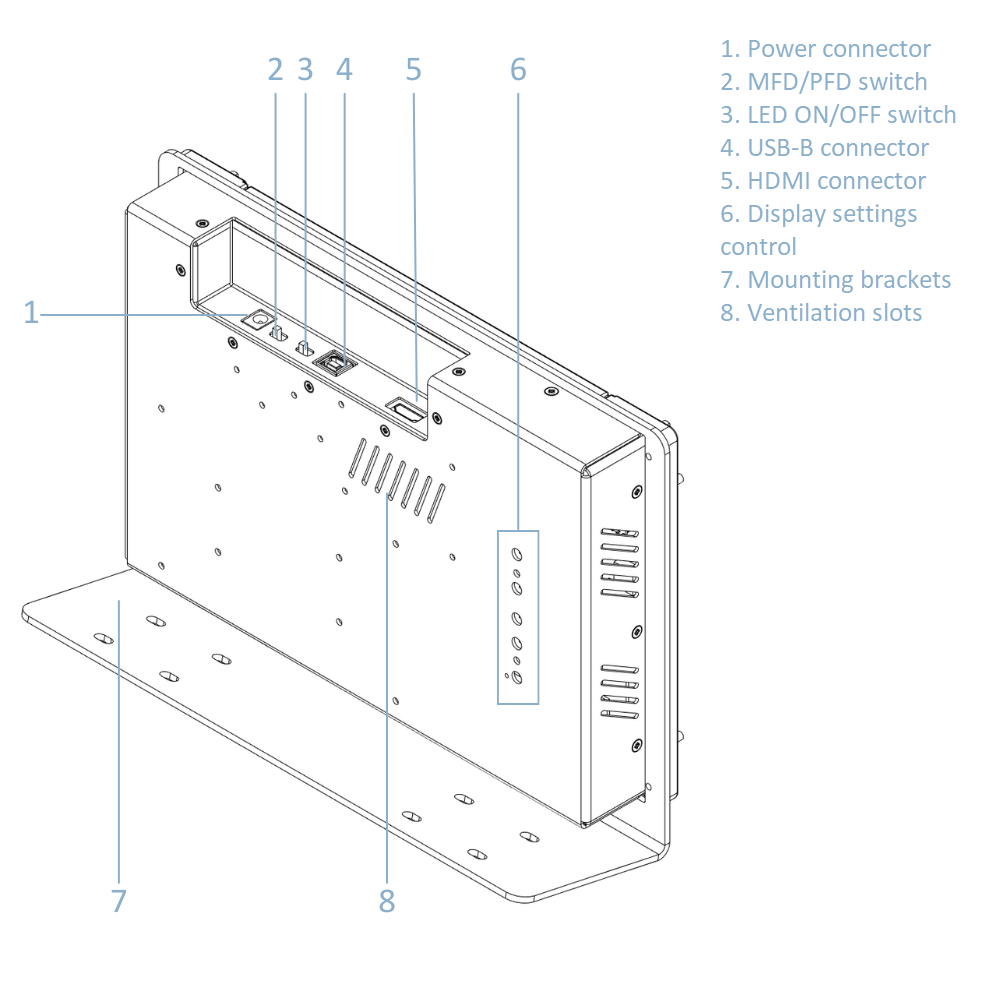
- Simple connection to your PC by one USB and one HDMI cable (included in the package).
- High-quality 10,4” LCDs with 1024×768 resolution.
Weight 1 kg
Dimensions 30 x 19 x 9,5 cm
USB cable length 2m
HDMI cable length 2m
Plug & play device.
Compatible ONLY with MSFS, MSFS 2024 or X-PLANE, by using our dedicated applications.
Require PC station with Windows 10 or 11.
It will not work with Xbox.
More info on FAQ page.
INCLUDED IN THE BOX


-

FREE SHIPPING
For all EU orders above 999 €. And UK/Swiss orders above 1500 €.
-
FAST PRODUCTION
We will fulfil your order within 10 business days.
-

LIFETIME FREE SUPPORT
Enjoy lifetime support for all our products, anytime you need it.
-

2-YEAR WARRANTY
2-year door-to-door warranty on all products, ensuring your peace of mind..
-
30 DAYS RETURN
Simply return it within 30 days for a full refund.
